Gaming Laptop Shopping: Compare the Whole Machine, Not the GPU Sticker
4 min read
MAKE IT YOUR READSaved
Evaluate gaming laptops through sustained performance, screen quality, upgrade access, travel weight and local support.
A gaming laptop is several purchases packed into one: computer, display, keyboard, cooling system and portable workspace. That makes a short specification list unusually easy to misunderstand. Two machines with a familiar graphics label can still offer different compromises in noise, portability and sustained performance.
This is a comparison framework rather than a tested ranking. We have not benchmarked the laptops you may consider. NVIDIA's official documentation explains that laptop designs use different power targets and implementations; Intel provides a broader buying overview. Our decision process below is original, with no affiliate purchase links or paid placements.
Define where the laptop will live
Start with a week in your life. Will the machine stay on one desk, travel to university, or move between accommodation and event venues? Count the charger, cables and any external accessories in the travel load. A laptop's published weight is not the same as the complete bag you carry.
Separate gaming on mains power from ordinary mobile work. Do not assume a battery-life claim from one workload describes an intensive game. Decide which activity needs portability and which can happen at a desk. That answer helps you avoid paying for thinness you do not need or accepting bulk you will regret daily.
If the machine will never travel, compare the whole cost with a desktop setup before deciding. If it must handle both work and play, check the keyboard, camera and ports with the same seriousness as the graphics specification. An everyday annoyance becomes expensive through repetition.
Read performance claims with their conditions
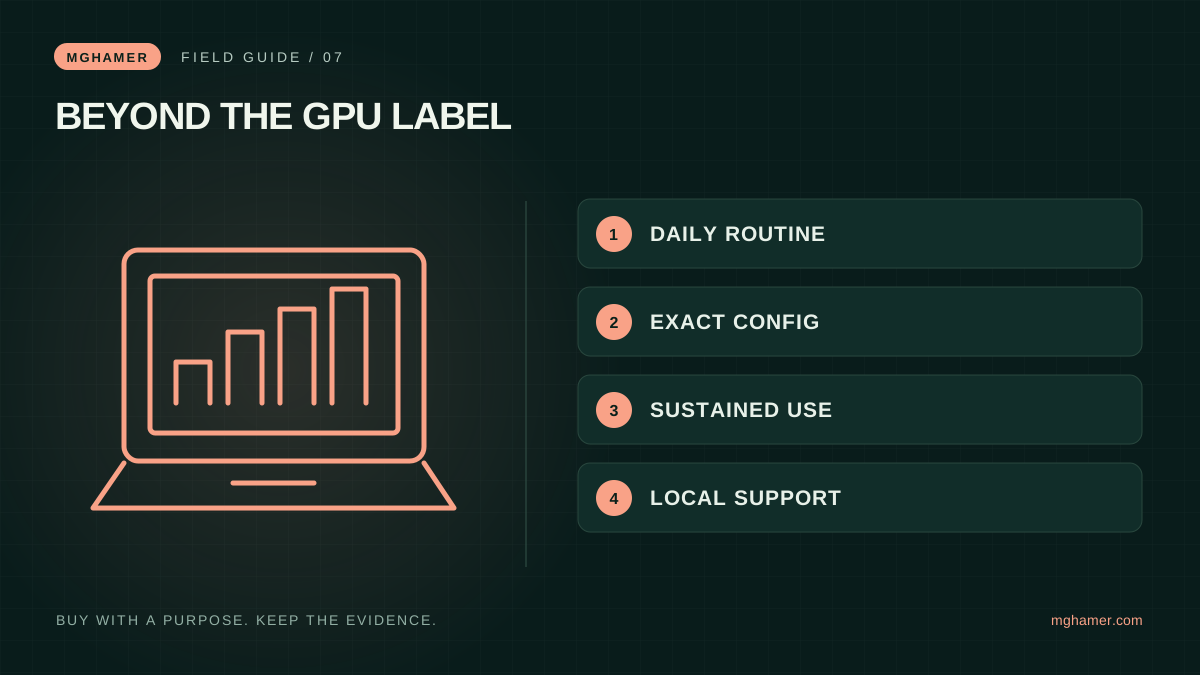
Ask for the exact model number and configuration. Compare tests using the same resolution, game settings and performance mode where possible. Distinguish results that use upscaling or generated frames from those that do not; a large headline number is not meaningful without its conditions.
NVIDIA describes laptop GPUs operating across different power targets and directs buyers to individual manufacturers for implementation details. That is why the graphics name alone is an incomplete comparison. Cooling, system settings and the rest of the machine belong in the evaluation.
Look for performance over a normal session, not only a brief demonstration. Ask how loud the system becomes and whether the keyboard area remains comfortable for you. A store demonstration cannot reproduce every workload, but it can reveal whether you dislike the fan character or keyboard before committing.
Check the screen and the next upgrade
Read the panel specification for the exact regional configuration. A model family can be offered with different screens, memory or storage. Check brightness suitability, resolution, refresh support and the ports needed for an external display. Do not assume a listing photograph proves the configuration being sold.
Ask which memory and storage parts are replaceable, how many slots are available and whether any access procedure has warranty implications. Use official service documentation or written support guidance. “Upgradeable” is too vague if you do not know what can be changed and by whom.
Plan for your actual library and applications. A cheaper configuration that immediately requires upgrades may cost more than an adequately equipped alternative. Conversely, buying maximum specifications for tasks you never perform ties up money without solving a real problem.
Calculate ownership, then test your routine
Compare the delivered cost, local warranty, repair location and return policy. Check keyboard language and charger suitability for your destination. When importing, ask how a repair would work in practice and who pays shipping. A reassuring warranty duration is less useful without a workable service path.
Create a shortlist with three mandatory checks and a few weighted preferences. A travelling creator may prioritize manageable total weight and dependable ports. A home-based player may accept a larger chassis in exchange for a configuration that suits their games. The right answer changes with the job.
During the return period, run the programs you actually use, connect your accessories and test a normal session. Check for issues before discarding packaging. Keep a record of the exact configuration rather than relying on the shop title. A successful gaming laptop purchase is a machine you can live with, maintain and use consistently—not simply the strongest-looking sticker you could afford.
Sources & further reading
What did you take away?
Real reactions. Thoughtful discussion. Every comment is reviewed before it appears.
Loading reader contributions…
Sign in to join the discussion