How to Choose a Gaming Monitor Without Paying for the Wrong Upgrade
4 min read
MAKE IT YOUR READSaved
A practical monitor checklist: match your games, frame rate, desk, ports and local warranty before choosing a panel.
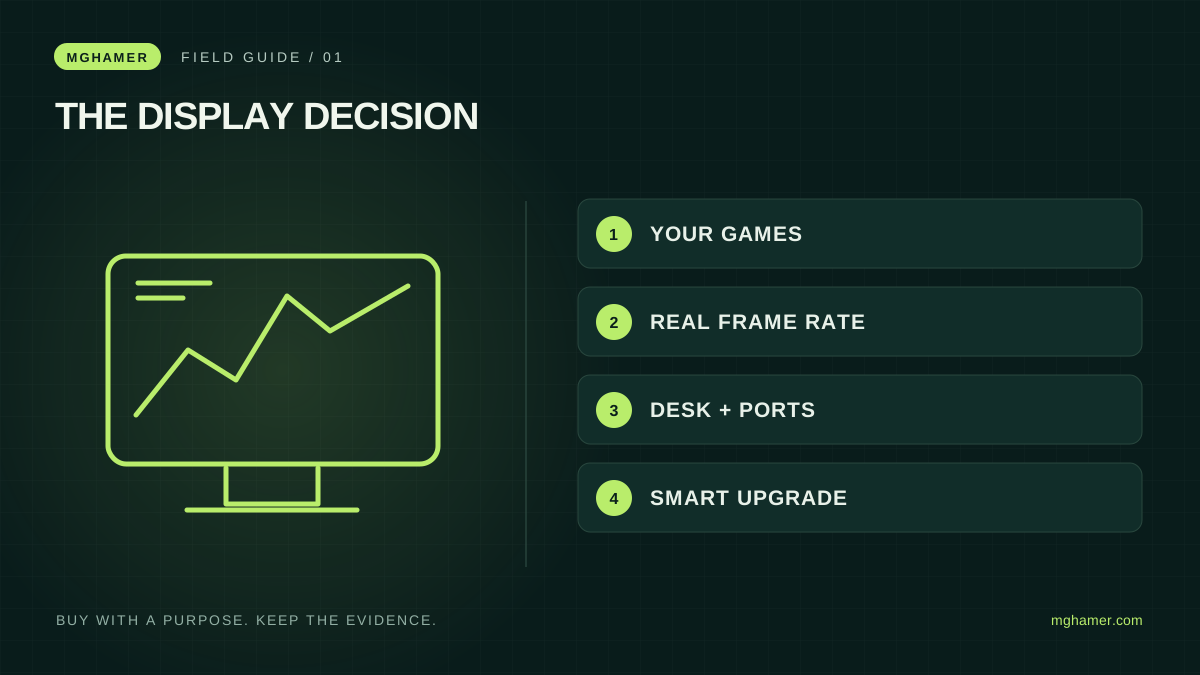
A monitor purchase should begin with the game on your screen, not the largest number on a shop label. The same budget can buy a sharper image, a faster display or a more comfortable workspace. Those are different improvements. The useful question is which problem you are actually trying to solve.
This is a buying framework, not a laboratory ranking. We have not tested the products you may shortlist. Manufacturer documentation below explains the terminology; the decision steps and examples are Mghamer's editorial approach. No retailer has paid for a place in this guide, and it contains no affiliate purchase links.
Start with the frames you already produce
Play your regular games at your normal settings and record what happens in busy scenes, not only empty practice maps. Keep the resolution, graphics preset and frame-rate measurement method in your notes. If performance falls sharply during fights, a higher-refresh monitor alone does not repair the underlying bottleneck.
Intel's monitor guidance distinguishes resolution, refresh rate and pixel response time; these specifications describe different parts of the experience. Refresh rate is how frequently the display can update, while response time concerns pixel transitions. A quoted response-time figure is not a complete measurement of system latency. Adaptive refresh technologies can coordinate supported display and graphics hardware, but compatibility still matters.
Write a one-sentence objective: “I want clearer motion in competitive games” or “I want more room for editing and reading.” A mixed-use buyer can have both priorities, but should rank them. This prevents a persuasive discount from quietly changing the purpose of the purchase.
Choose the whole desk experience
Measure viewing distance, available width and the depth occupied by the stand. A larger panel that forces you to turn your head constantly may be an awkward upgrade on a shallow desk. Check height adjustment and the mount pattern if you intend to use an arm. Include the arm's cost rather than treating it as a free accessory.
Compare text clarity, reflections and how the screen looks from your actual seat. If possible, view a familiar document and a dark game scene in person. A bright showroom demonstration is not your bedroom at night. Ask how you can return a panel if it has an unacceptable defect, and read the seller's written pixel policy before paying.
For someone who studies, works and plays on one display, readable text and a comfortable stand can deserve more weight than a small specification advantage. For a competition-focused setup, motion quality may matter more. Neither decision requires pretending that one technology wins every use case.
Verify the signal path before checkout
List the precise laptop, desktop or console model and the monitor's exact SKU. Then check which resolution and refresh combinations each input supports. The presence of a familiar connector does not guarantee that every desired mode works through it. Adapters and docks add another specification to verify.
Ask the seller to confirm the cable included in the box, the return period and who handles warranty claims locally. If importing into Jordan, Saudi Arabia or another market, compare the delivered total with the local offer: shipping, applicable charges, exchange costs and the cost of returning a large fragile item all belong in the calculation. This is a comparison method, not a statement of any country's tax rate.
A shortlist that survives the sale banner
Create three rows: essential, valuable and optional. Put your required input mode, usable desk fit and acceptable warranty in the first row. Put improvements you will notice daily in the second. Decorative lighting can remain optional unless it is personally important to you.
Consider two hypothetical offers. Screen A has the more exciting headline specification but unclear local support. Screen B meets your actual game target and has an adjustable stand plus a documented return policy. B can be the more rational purchase even if A looks better in a comparison thumbnail.
Finally, keep your current screen if no candidate fixes a meaningful problem at an acceptable cost. After buying, verify the selected refresh rate in the operating system, use the intended connection and test familiar games during the return window. An upgrade succeeds when it improves your real routine, not when it wins an argument about specifications.
Sources & further reading
- Intel — Gaming monitor buying guideintel.com
- Intel — Refresh rate explainedintel.com
What did you take away?
Real reactions. Thoughtful discussion. Every comment is reviewed before it appears.
Loading reader contributions…
Sign in to join the discussion