Mobile Gaming Accessories: What Solves a Problem and What Adds Clutter?
4 min read
MAKE IT YOUR READSaved
A practical guide to controllers, stands, audio and charging accessories built around your exact phone and games.
Mobile gaming accessories promise to turn a phone into a complete gaming station. Sometimes they help; sometimes they turn a convenient device into a bag of parts. The difference is whether the accessory solves a problem you already experience in the games you actually play.
This guide does not rank products or claim hands-on testing. It offers a compatibility-first purchase process and uses Apple's controller documentation as one concrete platform reference. Android users should check their phone and game developers' own instructions. There are no affiliate purchase links or paid recommendations here.
Begin with the game, not the attachment
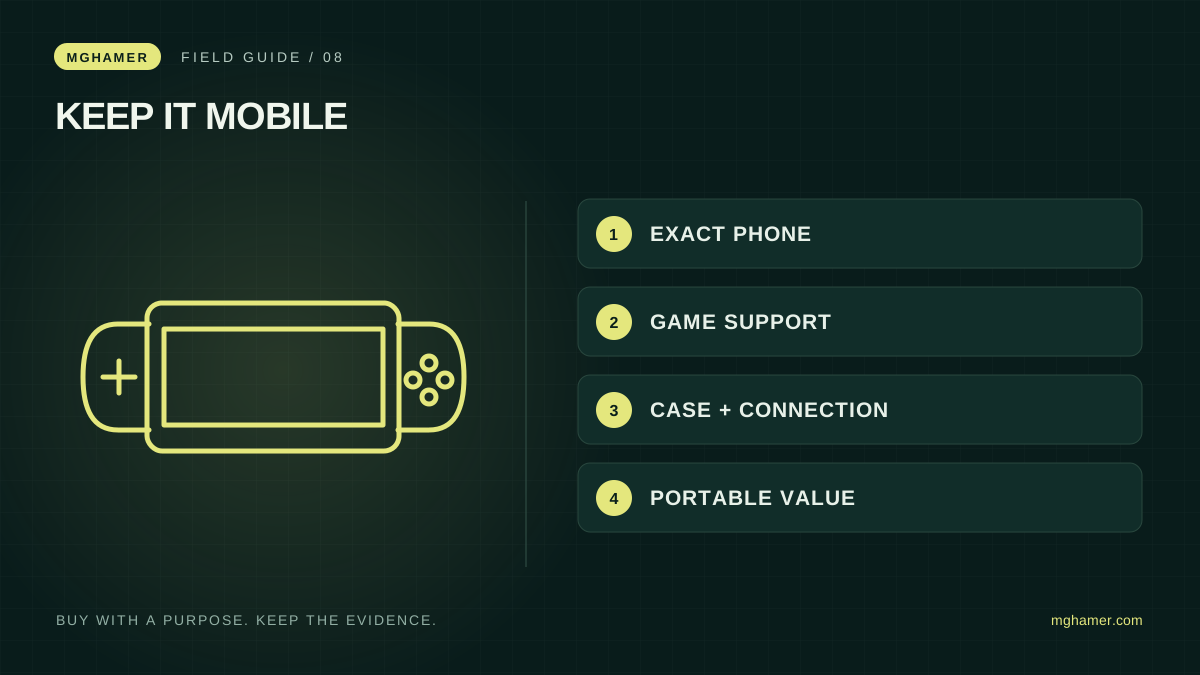
Write down your phone's exact model, operating-system version, case and most-used games. Then identify the problem: awkward controls, an unstable viewing position, audio connection trouble or battery planning. Each is a different purchase question. A bundle that promises to solve everything may contain parts you never use.
Controller support must be checked for the specific game as well as the phone. Apple's documentation explains connecting supported controllers to its devices; that does not mean every game accepts every controller feature. Check the game's own guidance and relevant competition rules before buying an input accessory.
If touch controls are central to your game, a controller may not be the answer. Try changing the in-game control layout first where supported. Record whether the change improves your normal session. You may find that a small settings adjustment solves the issue without adding weight or another battery.
Fit includes the case and the cables
For a grip or telescopic controller, check dimensions and connector alignment with the case you actually use. A compatibility photo of a bare phone is not enough. Inspect whether the accessory blocks a port, camera area or buttons you need. Avoid forcing a connection that does not seat naturally.
A stand should hold the device securely at your usual viewing angle and allow the connections you need. Test it on the surface where you play rather than assuming a promotional desk matches your situation. If it travels, check how it folds and whether small parts are easily lost.
For audio, decide how you will connect while charging and using any controller. Draw a simple connection plan before purchasing adapters. The presence of a port does not establish every simultaneous-use combination. Exact accessory documentation or a written manufacturer response is more useful than a shop's generic “works with phones” claim.
Treat power and cooling as compatibility questions
Use charging equipment that the device manufacturer supports, and check the requirements of any accessory that draws power. Follow the phone's temperature guidance and avoid covering ventilation or trapping it in an unsuitable arrangement. An external cooler's marketing claim is not an independent result for your device.
If a product promises more stable performance, ask what was measured, on which phone, in which game and under what conditions. Without comparable evidence, you are buying an unverified claim. This guide does not provide temperature or performance guarantees for third-party accessories.
Consider the complete carrying kit: phone, case, controller, stand, cable, charger and headphones. Convenience is part of value. A smaller set you actually bring can be more useful than an elaborate setup left at home because it is tiring to assemble.
Buy for a repeatable session
Choose one problem and one candidate solution. During the return window, play your normal games, check menus as well as gameplay and test the setup where you usually sit. Note missed inputs, awkward grips and how long assembly takes. These observations will tell you more than an unboxing impression.
If you play competitively, verify accessory rules directly with the organizer. Do not assume something is allowed because it is widely sold. Keep a touch-only or otherwise permitted fallback if your usual setup cannot be used in an event.
Finally, compare local warranty and return terms with an imported offer. Small accessories can become expensive when shipping them back is impractical. The best mobile setup preserves the phone's convenience while removing one genuine obstacle. It does not need to look like a miniature desktop to be a worthwhile improvement.
Sources & further reading
- Apple — Connect a controller to iPhonesupport.apple.com
- Apple — Wireless controller compatibility and pairingsupport.apple.com
What did you take away?
Real reactions. Thoughtful discussion. Every comment is reviewed before it appears.
Loading reader contributions…
Sign in to join the discussion