Your First Gaming Stream: Build the Workflow Before Buying the Studio
4 min read
MAKE IT YOUR READSaved
Start streaming with a clear microphone, stable capture and a private test; buy equipment only when it fixes a measured problem.
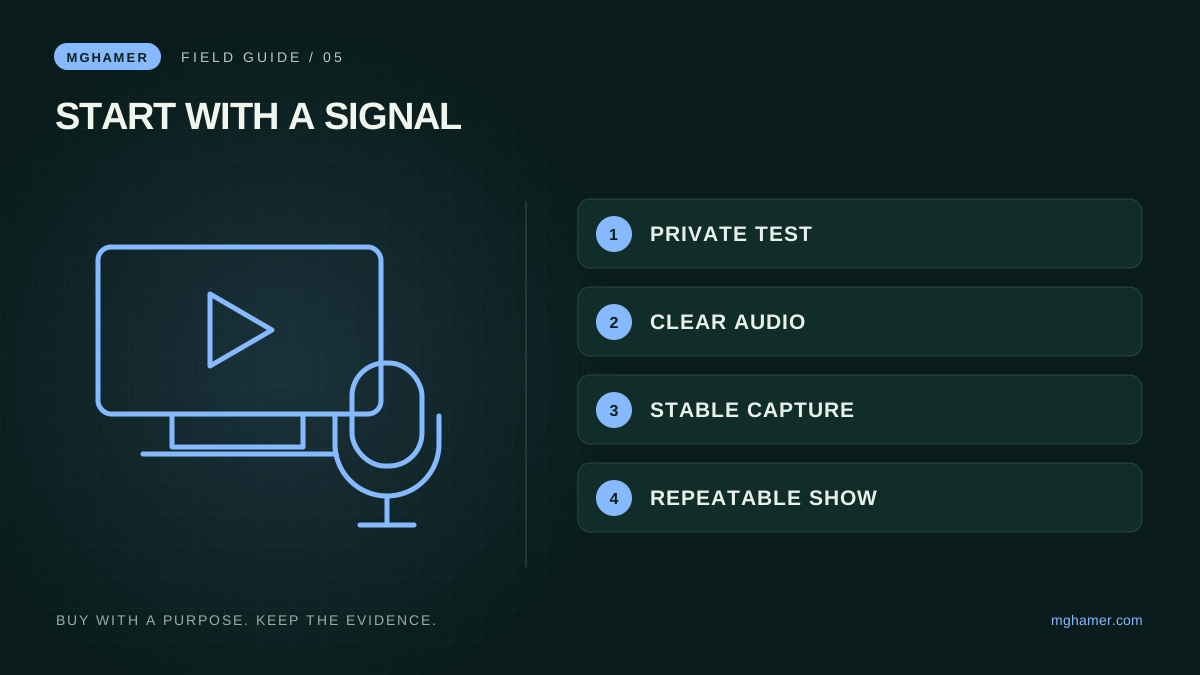
A first stream does not need to resemble a professional broadcast desk. It needs understandable audio, a stable picture and a host who can keep the session moving. Buying everything at once makes troubleshooting harder: when the result disappoints, you cannot tell which expensive component was supposed to solve which problem.
This guide proposes a staged workflow using equipment you already own where practical. It is not a tested product bundle or a promise of audience growth. The OBS reference explains the software's starting steps; our purchase sequence is an editorial recommendation. No affiliate equipment links are included.
Stage one: make a private recording
Before going live, record a short session containing ordinary commentary, a busy game scene and a moment when you change windows. Watch the result from beginning to end. Listen on another device if available. Note what prevents a viewer from understanding or comfortably following the action.
OBS provides an Auto-Configuration Wizard and a scene-and-source workflow for capture, cameras, text and other inputs. Its quick-start guide also recommends testing before a real stream. Use those official instructions for the current interface rather than downloading a lookalike application from an advertisement.
Create a simple scene with the game and your microphone. Add a camera only if it serves the presentation. A clean, understandable first recording is a better diagnostic tool than a crowded overlay with many moving parts. Check that private notifications, account details and unrelated windows are not visible.
Stage two: fix the weakest link
If speech is hard to understand, work on microphone placement and the room before buying a camera. If the picture stutters, compare game performance, capture settings and the recording itself. Change one variable at a time and save a new sample so the comparison is meaningful.
Do not prescribe one universal bitrate or resolution without considering the platform, hardware and connection. Consult your chosen platform's current guidance and use a test suited to your account. A setting copied from a large creator may be wrong for a different upload connection or computer.
Keep a small issue log: symptom, change, result. “Voice too quiet compared with game; reduced game mix; dialogue now clear” is actionable. “Need better setup” is not. This log becomes your shopping brief and protects you from purchasing accessories that merely look professional.
Stage three: buy one improvement at a time
A microphone or headset may be your first useful purchase if the existing audio remains poor after basic adjustments. A stable stand or sensible light placement may improve a camera you already own. A capture device matters only if your source and workflow require it; do not add one simply because a studio photograph includes one.
For each purchase, check connection compatibility, return terms and whether it adds another power requirement. Count desk space and setup time as costs. A compact arrangement you can start reliably twice a week may serve you better than an impressive collection that takes an hour to assemble.
Keep presentation assets readable on a phone. Use a small number of scenes, visible labels and restrained motion. Write Arabic captions as real sentences and check right-to-left display, mixed numbers and player names. Test your own stream at a small playback size; that is where many viewers will encounter it.
Stage four: build a repeatable show
Choose a format you can sustain: a focused guide, a match discussion or a session answering one recurring community question. Give the opening a clear purpose. A viewer arriving halfway through should still understand what you are doing and why it might be useful.
Prepare a short preflight list: correct scene, working audio, expected game capture, notifications handled and an end-of-stream plan. Afterward, review one section rather than vaguely judging the entire broadcast. Note one improvement for the next session and one useful clip that can stand alone with context.
More equipment does not guarantee more visitors. A reliable format, intelligible explanations and a reason to return are things you can improve directly. Spend when a specific recurring problem survives simpler fixes. The resulting studio may grow slowly, but every addition will have a job instead of becoming another expensive item behind your chair.
Sources & further reading
- OBS Project — Quick Start Guideobsproject.com
- OBS Project — Official knowledge baseobsproject.com
What did you take away?
Real reactions. Thoughtful discussion. Every comment is reviewed before it appears.
Loading reader contributions…
Sign in to join the discussion